Workflow software has become one of the most important building blocks of modern work. As teams grow more distributed, systems multiply, and processes become harder to manage manually, organizations need reliable ways to design, manage, and automate workflows across tools, teams, and departments.
At its core, workflow software helps teams replace repetitive, manual tasks with automated workflows that follow clear rules, provide visibility, and keep work moving forward. The result is not just speed—but better decision-making, improved productivity, and fewer errors across business operations.
In this guide, we’ll explore what workflow software is, how workflow automation works, the key benefits for modern organizations, and how different workflow management tools fit different types of teams. We’ll also look at why integration plays a critical role in workflow management—and where tools like Getint help organizations manage complex workflows across platforms.

What Is Workflow Software?
Workflow software is a category of tools designed to help businesses create workflows, manage workflows, and automate processes that would otherwise require manual effort.
A workflow represents a sequence of steps—often involving multiple people, systems, and approvals—that must happen in a specific order to complete a task. Workflow management software allows teams to define those steps, assign tasks, track progress, and automate actions based on predefined rules.
Most workflow software follows simple if/then logic:
- If a condition is met (for example, a task status changes),
- Then an action occurs (such as assigning tasks, sending notifications, or updating data in another system).
By running on data sources and conditional logic, workflow automation software mimics human decision-making while eliminating delays, errors, and manual intervention.
Workflow Management vs. Workflow Automation
While the terms are often used interchangeably, there is a meaningful distinction.
Workflow management software focuses on:
- Designing and organizing workflows
- Assigning tasks and responsibilities
- Tracking progress, deadlines, and workload
- Providing visibility and reporting
Workflow automation goes one step further by:
- Automating repetitive tasks and manual actions
- Triggering automated notifications
- Syncing data across business applications
- Reducing manual effort and human error
In practice, the most effective workflow management tools combine both. They help teams manage workflows while also enabling powerful automated workflows that scale with the organization.
How Workflow Automation Works
Workflow automation software runs on three core elements:
- Data sources – tasks, tickets, records, or events coming from tools like Jira, ServiceNow, CRM systems, or spreadsheets
- Rules and conditional logic – “if A happens, then do B”
- Actions – updating fields, assigning tasks, sending alerts, or triggering actions in other tools
For example:
- If a Jira issue moves to “In Review,” then notify the QA team
- If a ServiceNow ticket is resolved, then update the linked Jira issue (see how integrating Jira and ServiceNow can streamline this process)
- If a deadline is approaching, then send automated notifications
This approach allows teams to automate repetitive tasks, reduce manual intervention, and optimize workflows without constant oversight.
Why Workflow Software Matters for Modern Teams
Automation Frees Teams to Focus on High-Impact Work
One of the most immediate benefits of workflow automation is time. By automating tasks that don’t require human judgment, teams can focus on strategic work instead of everyday tasks.
Organizations that replace manual tasks with automated logic consistently report:
- Up to 20–30% increase in productivity
- 20–40% reduction in operational costs
- Improved accuracy in data processing—by as much as 94%
- Up to 40% increase in job satisfaction
Workflow automation tools reduce busywork, allowing employees to contribute where they add the most value.
Reduced Errors and Greater Accuracy
Manual tasks—especially those involving data entry, status updates, or cross-tool coordination—are prone to errors. Workflow management software reduces risk by standardizing processes and enforcing rules automatically.
Automating repetitive actions ensures:
- Consistent execution
- Fewer missed steps
- Less reliance on memory or manual follow-ups
This is especially important in complex projects where multiple systems must stay aligned.
Real-Time Visibility and Better Decision-Making
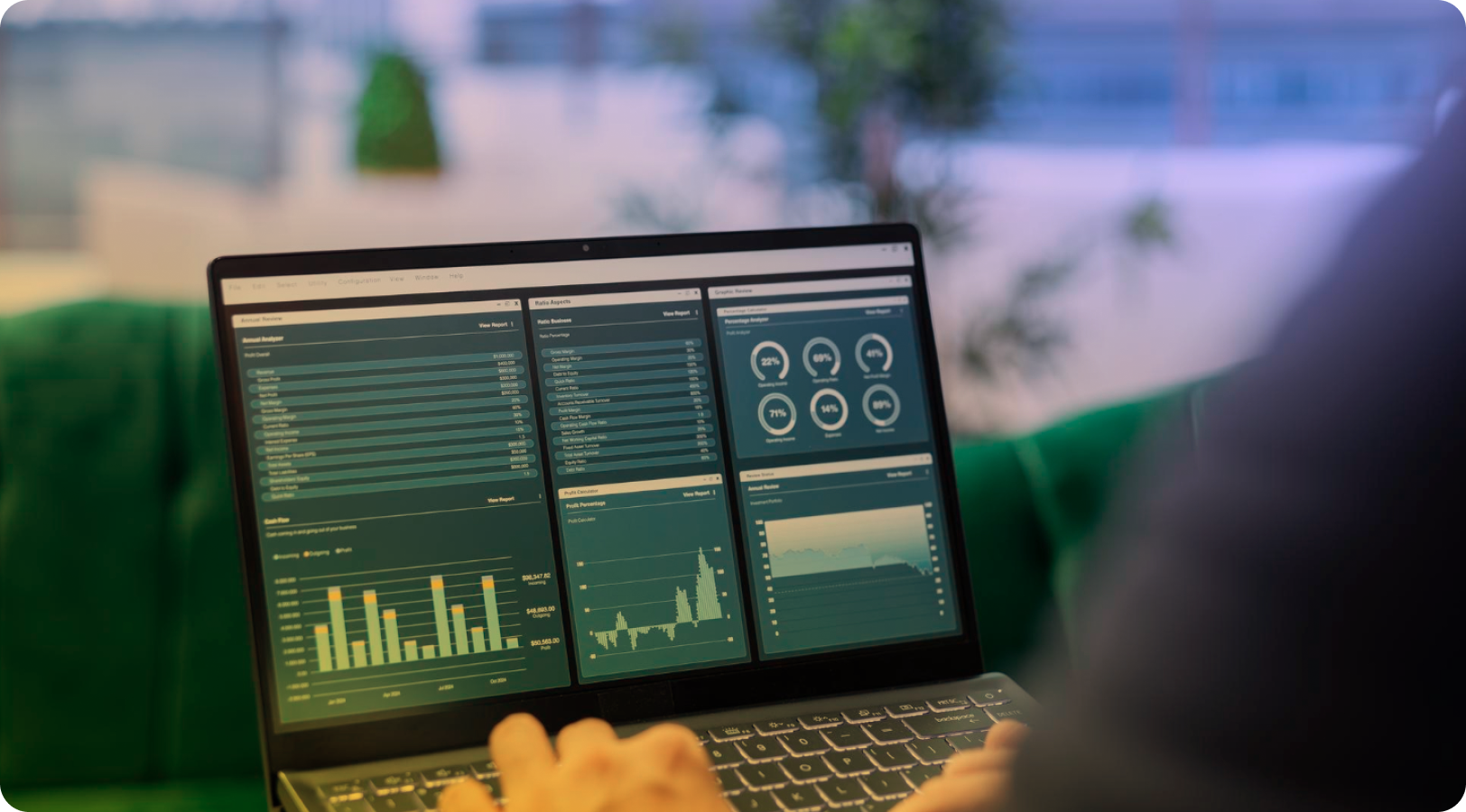
Modern workflow software provides real-time dashboards that show:
- Who is doing what
- Current task status
- Upcoming deadlines
- Bottlenecks and delays
Workflow management software increases visibility of processes, making it easier to identify areas of opportunity and continuously improve performance.
With real-time reporting and better visualization, project managers and team leads can track projects, optimize processes, and keep teams on the same page.
AI-Powered Workflow Optimization
AI is becoming a natural extension of workflow automation. Many workflow automation tools now use AI to:
- Analyze historical data
- Identify bottlenecks in real time
- Recommend process improvements
- Optimize workflows dynamically
AI-powered optimizations help organizations move beyond static workflows and toward continuous improvement, where processes adapt as conditions change.
Instead of reacting to problems after they occur, teams can anticipate issues earlier and take corrective action faster.
Key Features to Look for in Workflow Management Software
Not all workflow tools are created equal. The best workflow management tools typically include:
- Customizable workflows to match unique business processes
- Drag and drop builders for easy setup
- Conditional logic for advanced automation
- Automated notifications to keep everyone informed
- Progress tracking and deadline tracking
- Access control and version control
- Advanced analytics and actionable insights
- Integration with business applications
No-code setup is also increasingly important, allowing teams to build workflows without technical expertise or deep technical knowledge.
Workflow Software and Collaboration Across Teams
Workflow automation tools improve collaboration by:
- Centralizing communication
- Clarifying responsibilities
- Defining ownership and accountability
- Supporting knowledge sharing
When workflows span multiple teams—such as IT, engineering, support, and business operations—workflow management software helps define, manage, and improve work delivery across departments.
This is especially critical for enterprise-level teams handling complex workflows across multiple platforms.
Popular Workflow Software and When to Use Them
Different tools serve different needs. Below is a practical overview of commonly used workflow management tools and what they’re best suited for.
Jira
Built for agile software development, Jira excels at managing sprints, issues, and complex workflows for engineering teams. It supports advanced automation, custom workflows, and detailed project tracking.
Monday.com
A flexible project management platform that helps teams schedule work, manage projects, and visualize progress using real-time data.
Asana
Known for intuitive task management and smart reminders, Asana works well for internal project management with clear deadlines.
ClickUp
Combines docs, tasks, whiteboards, and AI into a full project management platform, often used to replace multiple productivity tools.
Trello
A drag and drop, board-based tool ideal for freelancers, students, and small teams getting started with basic task management.
Wrike
Designed for enterprise-level teams that need advanced features, workload tracking, and resource management.
Smartsheet
Transforms spreadsheet-style grids into workflow automation tools—ideal for teams that love Google Sheets but need more structure.
Airtable
Blends spreadsheet simplicity with database-level flexibility, making it popular for structured data and visual planners.
Notion
Combines notes, tasks, wikis, and dashboards in one workspace, offering flexibility for individuals and small teams.
Cflow
A no-code BPM workflow automation software customizable for a wide range of business processes.
ProcessMaker, Nintex, Process Street
Focused on business process management, compliance, and recurring procedures.
Microsoft Power Automate
Allows users to automate processes across Microsoft and third-party apps, especially in Microsoft-centric environments.

The Integration Challenge: Where Workflow Software Breaks Down
Most organizations don’t use just one workflow tool. Engineering teams may live in Jira, IT in ServiceNow, business teams in Monday.com, and leadership in reporting tools.
This creates a critical challenge:
- Workflows don’t stop at tool boundaries
- Data becomes fragmented
- Visibility is lost
- Manual effort creeps back in
Workflow automation inside a single platform is helpful—but true workflow management requires cross-tool integration.
Managing Complex Workflows Across Tools with Getint
This is where Getint plays a unique role.
Getint is not another workflow tool—it is an integration platform that connects workflow management software across systems. It allows organizations to manage workflows across Jira, ServiceNow, Azure DevOps, Monday.com, Airtable, Salesforce, and more—without forcing teams into a single platform.
Contact Getint experts to learn more. With Getint, teams can:
- Sync issues, tasks, and records across tools
- Maintain full access control and data ownership
- Automate multi-step workflows across systems
- Reduce manual intervention between teams
- Preserve visibility and traceability
For organizations with complex projects, mergers, distributed teams, or strict compliance requirements, Getint enables powerful automated workflows that work across the same platform—or across many.
How to Choose the Right Workflow Software
Choosing the right workflow management software starts with understanding your current processes.
Ask:
- Where are the bottlenecks?
- Which manual tasks consume the most time?
- Which tools need to stay in sync?
- Who needs visibility into progress?
Look for workflow tools that:
- Integrate with existing systems
- Support no-code or low-code setup
- Offer customizable workflows
- Provide real-time reporting and insights
For many organizations, the answer isn’t a single tool—but a combination of workflow management tools connected through reliable integration.
Final Thoughts: Workflow Software as a Foundation for Scalable Work
Workflow management software is no longer optional. It’s the foundation for how modern teams manage workflows, automate processes, and scale without chaos.
By reducing manual effort, improving visibility, and enabling continuous improvement, workflow automation tools help organizations operate with greater speed, accuracy, and confidence.
And as workflows increasingly span multiple systems, integration becomes the key to making workflow software truly work—quietly, reliably, and at scale.
That’s where Getint fits: not as another place to work, but as the connective tissue that keeps your workflows flowing—no matter how complex they become.