Most enterprises don't run on a single system. Development and operations teams build and fix things in Jira Software or Jira Service Management (JSM), while IT operations, security, and customer-facing service desks often standardize on ServiceNow — an ITSM platform known for its deep ITIL alignment, configuration management, and asset management capabilities.
The trouble starts when these two worlds have to work together. Incidents get logged in one system and re-typed into the other. Status updates lag behind reality. SLAs slip because one team thinks work has started while the other is still waiting for an update. IT leaders are left choosing between forcing everyone onto a single itsm solution — an expensive, disruptive change management project — or living with manual, error-prone workarounds indefinitely.
Jira and ServiceNow integration removes that false choice. Each team keeps the tool it already knows, while incidents, service requests, comments, and attachments sync automatically in the background. Below are five key benefits organizations consistently report after integrating Jira with ServiceNow, backed by real Getint deployments at CNH, Airbus Protect, Retail Assist, ISCG, and InoApps.
Why Jira and ServiceNow Integration Matters
The Two-Tool Reality of Modern ITSM
Large organizations rarely pick just one ITSM tool and standardize on it company-wide. Mergers, acquisitions, regional differences, and simple team preference mean that development teams and service teams frequently end up on different platforms — one optimized for agile software development, the other for enterprise service management, self-service portals, and complex workflows spanning thousands of employees.

What Integration Actually Means Here
"Integration" doesn't mean migrating everyone onto one platform. It means building a bidirectional sync layer between Jira and ServiceNow so that a ServiceNow incidents, requests, problems or changes, automatically creates and updates a linked Jira work item (and vice versa), with field mappings, comments, attachments, and status transitions kept consistent on both sides — without custom API development or ongoing script maintenance.

Taken together, the following benefits touch every layer of service delivery: how disruptive the rollout feels, how reliably incidents get tracked, how much manual work disappears, how easy the integration is to maintain, and how well it holds up at enterprise scale. The first one is usually what makes or breaks a project before it even gets off the ground.
1. Seamless Integration Without Disrupting Existing Workflows
The Challenge
The biggest fear IT leaders have about any ITMS integration project is change management: retraining thousands of employees, rebuilding self-service portals, or forcing end users onto an unfamiliar interface just so two back-end systems can share data.
How Integration Solves It
A well-built Jira-ServiceNow integration removes that risk by design. End users keep logging tickets exactly where they always have — usually ServiceNow — while IT or development teams work the same issues inside Jira, with data flowing between the two automatically and invisibly.
Case Study: CNH
CNH, a global agricultural and construction machinery company with more than 35,000 employees, needed its IT team to manage 15 critical warehouse management applications while keeping ServiceNow as the front-end incident logging tool for all end users and Jira Cloud as the backend for IT's dynamic issue tracking.
Using Getint, the two systems were connected with real-time, two-way sync of incidents — titles, descriptions, statuses, priorities, comments, and attachments all mapped automatically. End users never noticed a difference.
As Marco Sanna, IT Global Manager at CNH, described it, the ability to configure and adjust the integration on the fly, without disrupting how base users work, is what let IT move and adapt faster.

The Result
Zero change management burden, an MVP that moved from test to production in a couple of months, and other internal CNH teams now proactively asking to join the integration on their own.
2. Stronger Incident Management and More Reliable SLA Tracking
The Challenge
When incidents, changes, and service requests have to be manually re-entered between platforms, something almost always gets lost — a comment, a priority change, an attachment. Worse, the delay between "logged" and "actually visible to the other team" directly undermines SLA tracking and customer satisfaction, because one side assumes work is underway while the other is still waiting on an update.
How Integration Solves It
Bidirectional sync closes that gap. The moment a status changes or a comment is added on either side, it's reflected on the other — giving both teams real-time visibility into the same incident, instead of two separate, slowly-converging records.
Case Study: InoApps
Brian McCabe, Executive Vice President at InoApps — a managed services provider supporting more than 500 customers across 40 countries — described this exact problem in an interview with Getint.
Before integrating, InoApps relied on copying and pasting ticket data between Jira Service Management and customer tools like Zendesk and ServiceNow. Customers routinely expected InoApps to already be working a ticket while the internal system was still waiting on a manual update, which directly hurt SLA adherence. Once updates became instant on both sides, both parties gained accurate, real-time SLA tracking.

The Result
Faster, more accurate SLA tracking, fewer disputes over whose queue an incident is sitting in, and measurably better customer satisfaction for InoApps' end clients.
3. Fewer Manual Errors, Lower Costs, and More Time Back for Teams
The Challenge
Every hour a service team spends copying ticket data between systems is an hour not spent resolving issues. Manual double-keying is also where human error creeps in — a missed comment, a wrong priority, an incomplete field mapping — and those small mistakes compound into missed SLAs and repetitive rework.
How Integration Solves It
Automating the sync removes double-keying entirely, and it's typically far more cost-effective than the alternative: building and maintaining custom API integrations in-house, which many teams find too complex, too fragile, and too expensive to sustain long-term.
Case Study: Retail Assist
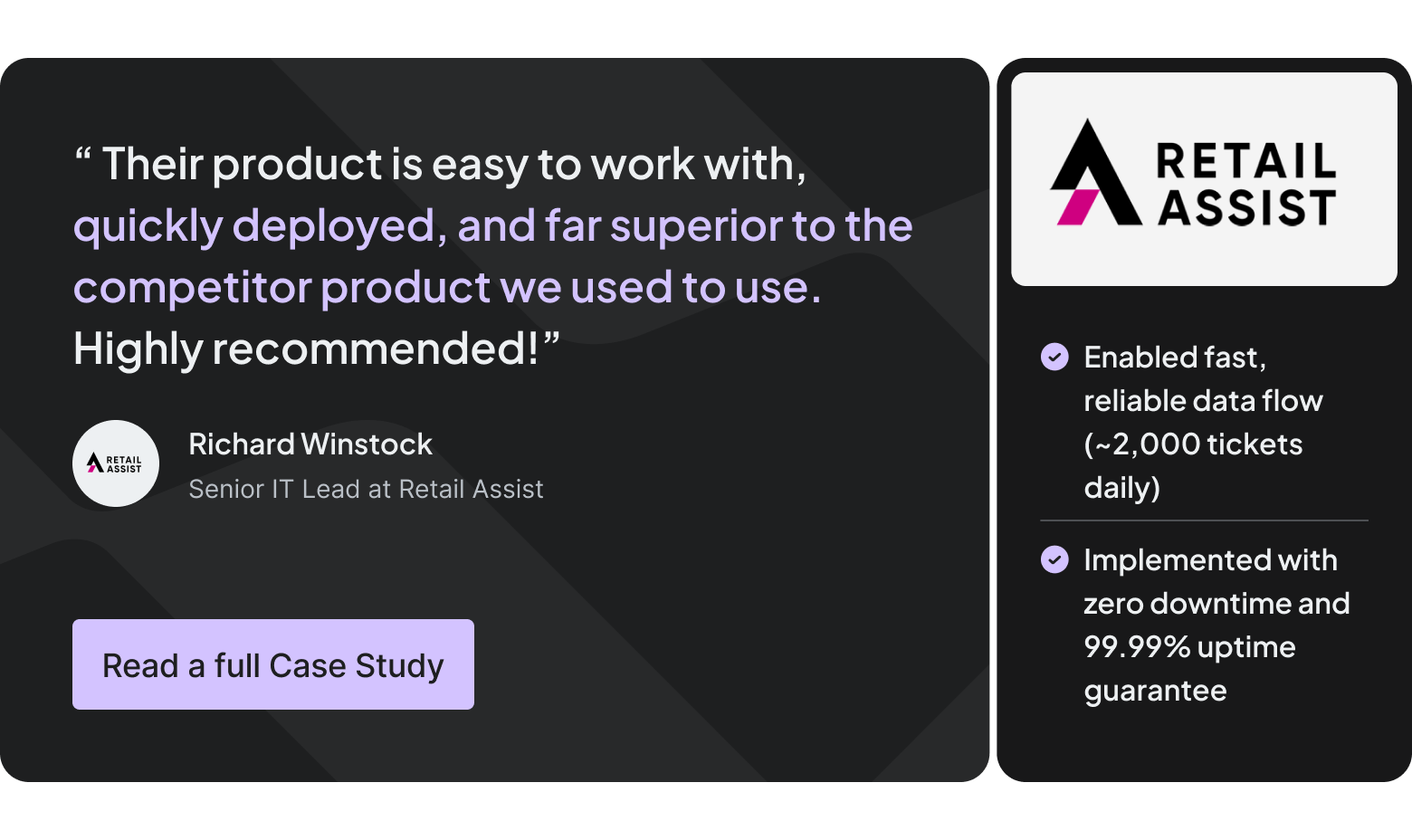
Retail Assist, a UK managed IT services provider, had previously run its Jira-ServiceNow connection through a different integration tool that the team found overly complex and poorly supported — every issue meant a slow, costly troubleshooting cycle rather than a quick fix. After switching platforms, the team gained an integration that was easier to deploy and maintain, backed by a premium SLA and responsive support, which removed the recurring maintenance overhead and error risk that came with the previous setup.
The Result
Lower ongoing maintenance cost than a fragile, poorly-supported integration, fewer error-driven escalations, and a service team that spends its time resolving customer issues instead of firefighting the integration itself.
4. User-Friendly, No-Code Configuration for Complex Workflows
The Challenge
Technical expertise shouldn't be a prerequisite for keeping an integration running. Teams don't want to maintain hundreds of custom scripts, and field-mapping changes shouldn't require javascript knowledge or a developer ticket every time a workflow shifts.
How Integration Solves It
No-code, UI-based configuration lets standard Jira or ServiceNow administrators — not just developers — set up field mappings, sync rules, and filters themselves, and adjust them as workflows evolve.
Case Study: ISCG
ISCG, a Poland-based managed services provider, scaled its ServiceNow-Jira integration across multiple client instances using built-in, no-code filtering to map Jira projects to specific ServiceNow assignment groups.
A year in, Filip Bywalec, Head of Managed Services at ISCG, described the integration as having become a strategic, scalable, unified workflow — one that non-technical managers could expand themselves using UI filters and secure API keys, without touching a script.

The Result
Faster setup, lower ongoing maintenance overhead, and integrations that IT admins — not just engineering teams — can own and evolve over time.
5. Enterprise-Scale Reliability and Security for Complex Organizations
The Challenge
Large enterprises and regulated industries can't treat integration as an afterthought. It has to hold up under real transaction volume, protect sensitive data, and support the customizable workflows and approval processes that complex organizations rely on for change management and security incidents.
How Integration Solves It
Enterprise-grade integration platforms are built for multi-instance deployments, high daily ticket volume, and strict compliance requirements — with certifications like ISO 27001, ISO 27018, SOC 2 Type II, and GDPR compliance built in, rather than bolted on.
Case Study: Airbus Protect
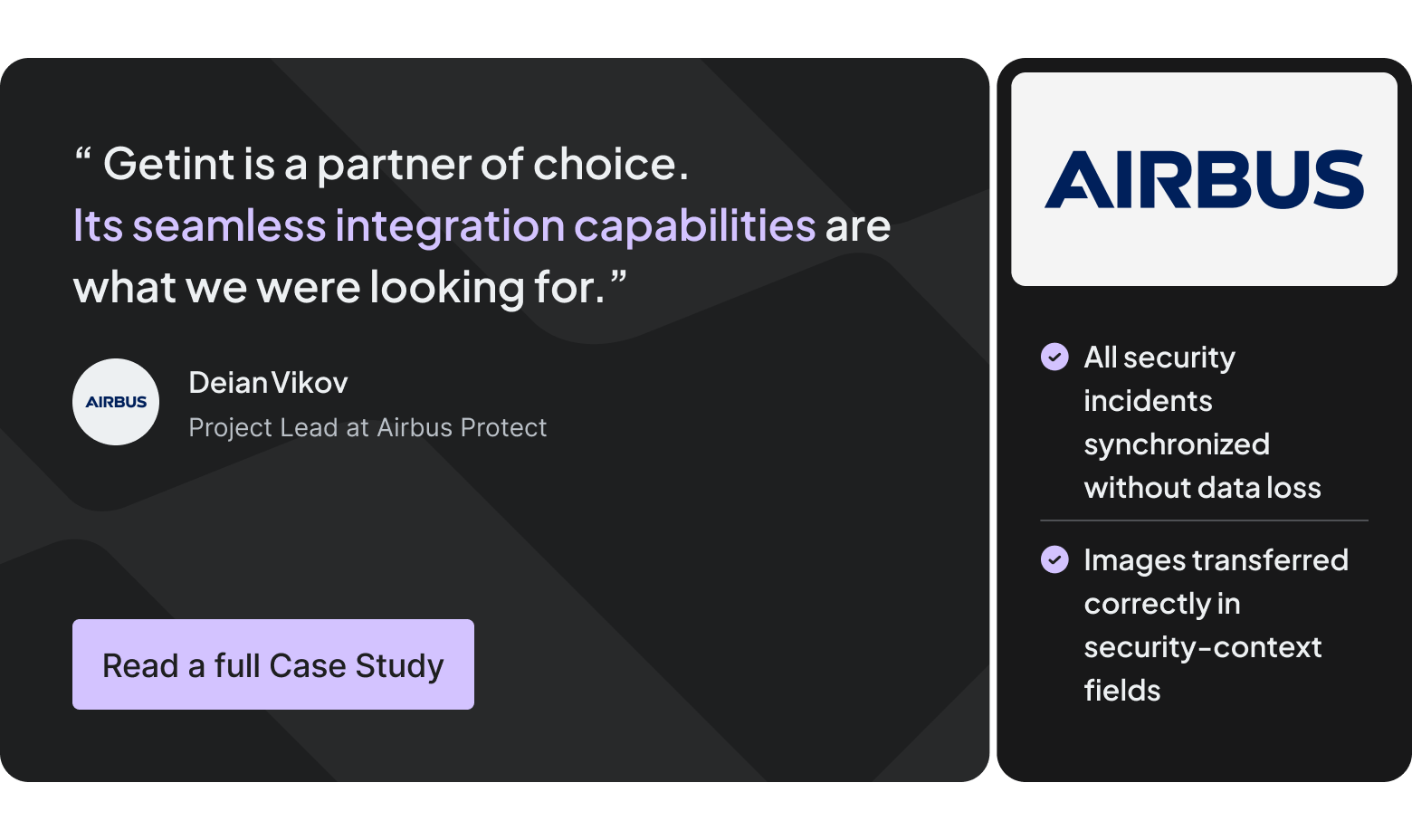
Airbus Protect, a cybersecurity subsidiary of Airbus Group, integrated its private Jira instance with a customer's ServiceNow instance to manage security incidents end-to-end.The integration maps Jira security incidents directly into ServiceNow's dedicated security-incident module, preserving threat categories, root-cause data, unique issue identifiers, and full comment history — with inline images and other rich fields transferring correctly, and no scripting required.
As Project Lead Deian Vikov put it, seamless integration capabilities were exactly what the team needed when navigating the difficulty of connecting customer ticketing tools with their own.
The Result
An integration that large, security-conscious organizations can trust with mission-critical, sensitive workflows — backed by certifications like ISO 27001, ISO 27018, SOC 2 Type II, and GDPR compliance — not just a proof of concept that breaks under real-world load.
Bringing It Together
Across CNH, Airbus Protect, Retail Assist, ISCG, and InoApps, the pattern holds: Jira and ServiceNow integration lets organizations keep the tools their teams already trust while removing the manual bottlenecks that used to sit between them.
Service teams get faster incident management and more reliable SLA tracking. IT gets a lower-maintenance, more cost-effective setup than custom API development. And the business gets better service delivery without a disruptive, company-wide tool migration.
If you're running Jira Service Management, Jira Software, or another ITMS tool alongside a ServiceNow instance and want to see what a tight, bidirectional integration could look like for your own workflows, our integration experts can walk through your specific use case and map out the fastest path to production. Book a Getint demo here.