Choosing between Jira vs ClickUp is rarely about software—it’s about how your team thinks, collaborates, and moves through work. Whether you're building software features, coordinating marketing campaigns, or leading complex projects across multiple teams, the right project management solution becomes the quiet force behind everything: deadlines, conversations, outcomes, sanity.
And there’s a reason both of these popular tools dominate discussions. ClickUp and Jira keep evolving, each shaped by a different philosophy of productivity. One leans deeply into engineering discipline and agile methodologies. The other champions breadth, versatility, and user friendliness.
This article explores the reality behind the comparison—not just features, but how each tool feels in practice. You’ll find honest insights grounded in how project managers, software development teams, and non-technical users actually work every day.
Two Different Roads to Productivity: Jira and ClickUp
What often surprises teams is how clear the divide is between ClickUp vs Jira once they’ve tried both.
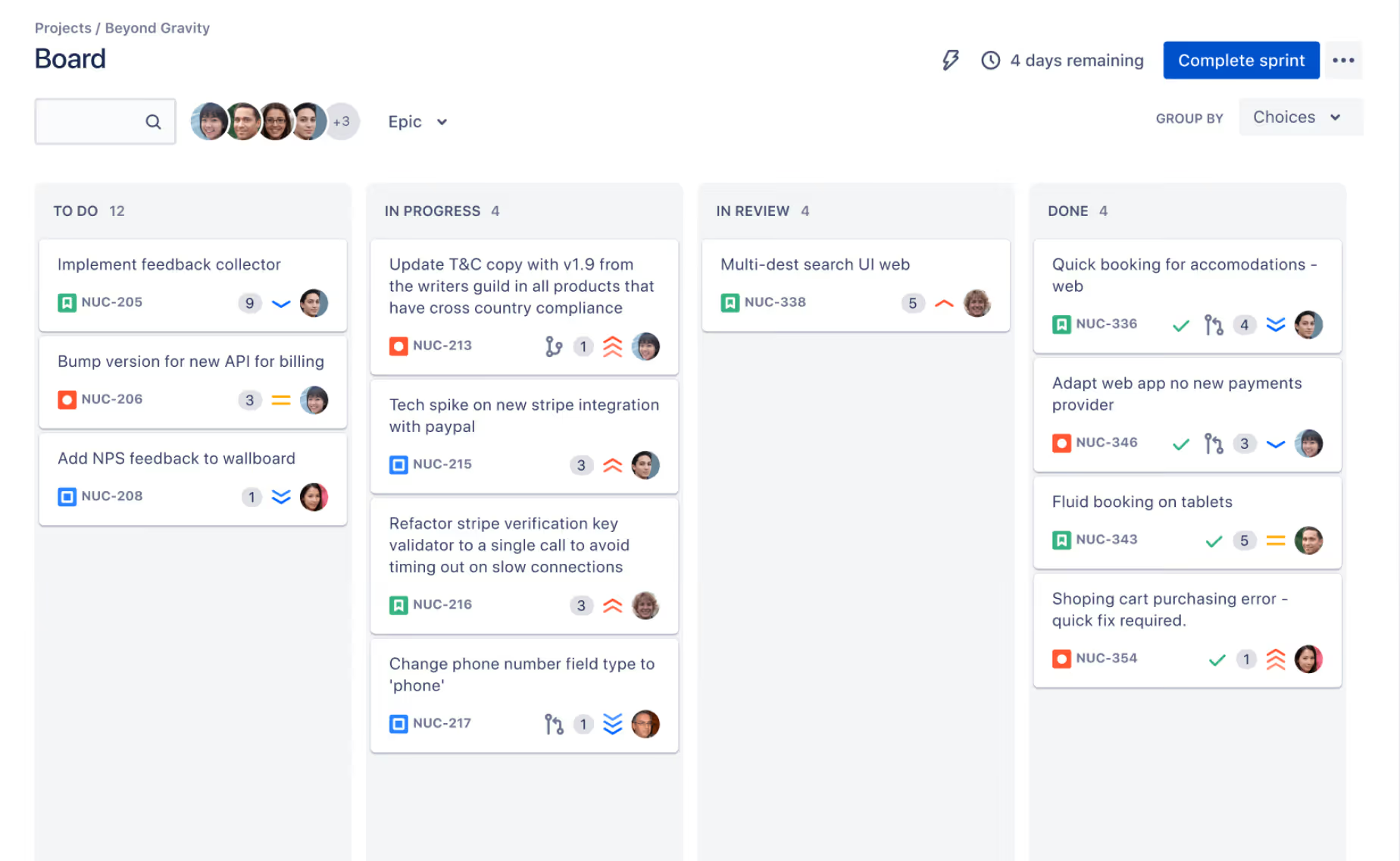
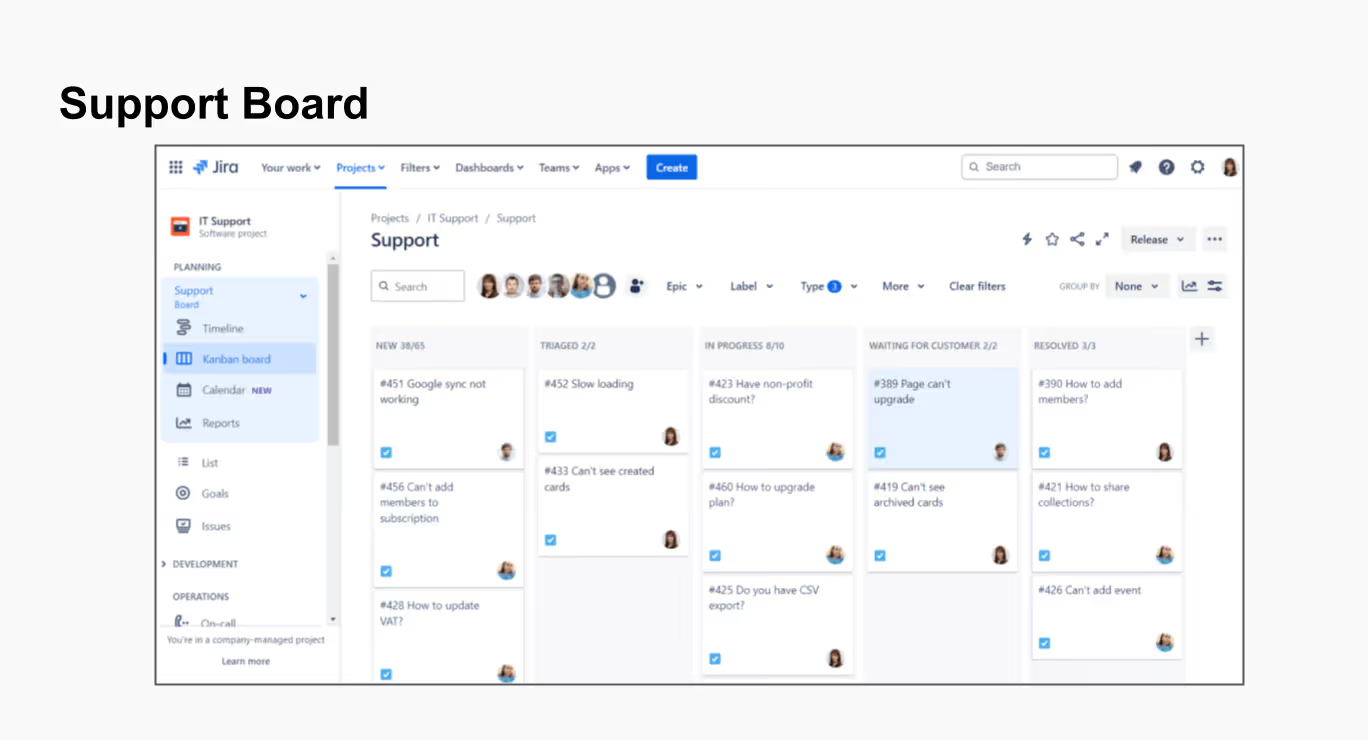
Jira Software was built for software development from day one—sprints, issues, epics, releases, dependencies, and complex workflows. It’s the kind of project management software that rewards structure. It speaks the language of engineering: predictable processes, traceability, bug tracking, planning, and measurable project progress. For development teams, it becomes a natural home where code, operations, and product work live side-by-side.
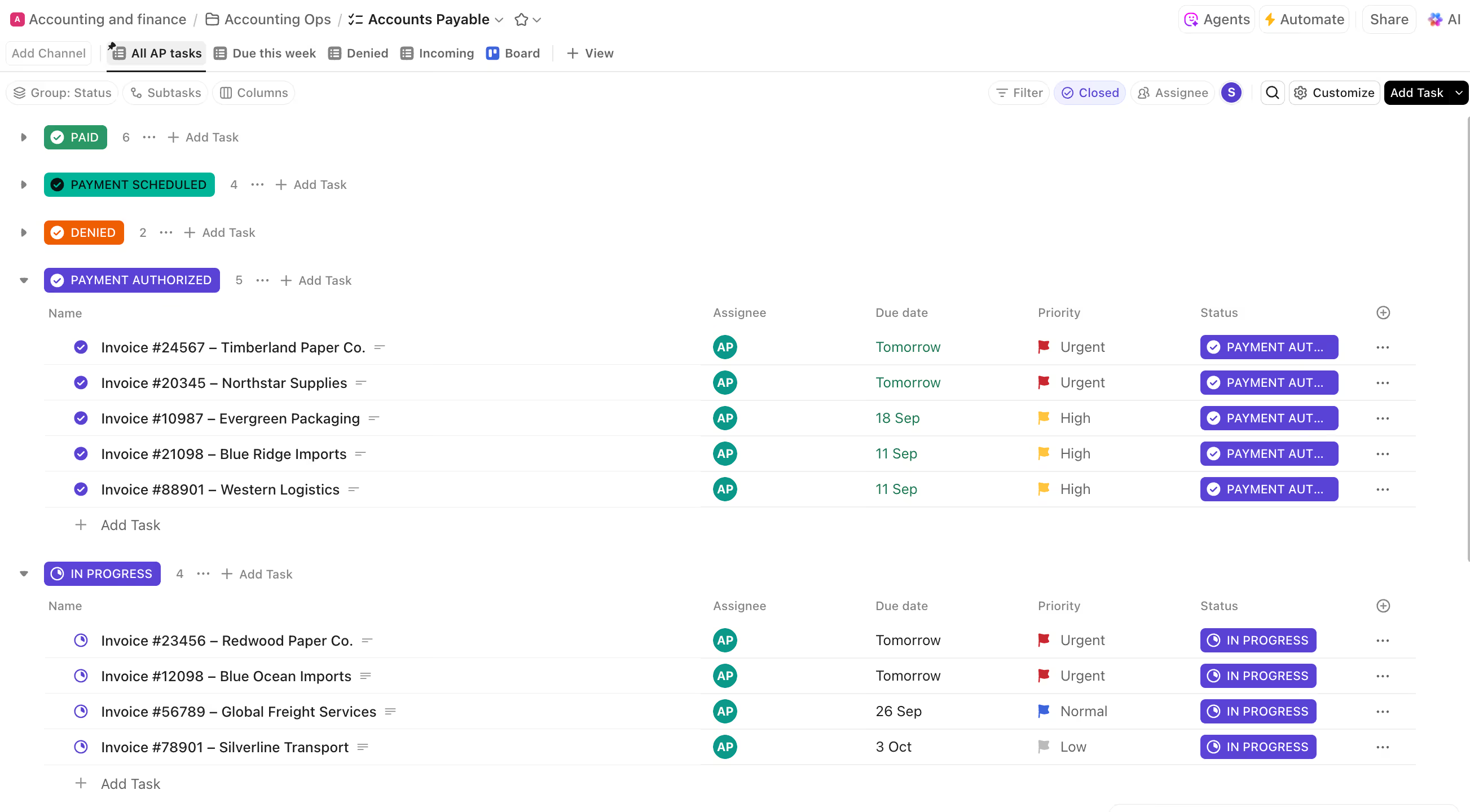
ClickUp, meanwhile, came to life with a very different ambition: unify “all work in one place.” It grew into a versatile tool used by marketing, sales, design, operations, and even HR. ClickUp offers everything from document management, mind maps, and custom dashboards to task management, gantt charts, and document creation. It leans heavily on its user friendly interface, making it easier for teams that need speed more than rigidity.
This is why comparing clickup vs Jira always comes down to identity. What does your team value most—freedom or precision? Flexibility or governance? Fast setup or deep customization?
Project Management: Same Goal, Different Approaches
Both tools are strong project management solutions, but they differ in how they help teams manage tasks, track progress, and ultimately manage projects.
ClickUp often feels more welcoming. Its intuitive interface makes navigation simple, especially for non technical users. People can jump in, start managing tasks, create docs, organize lists, and bring multiple team members into the workspace without training.
Jira, on the other hand, becomes incredibly powerful when teams need advanced project management features and strict repeatable processes. A project manager coordinating releases or leading agile teams instantly benefits from the built-in structure: kanban boards, agile boards, backlogs, dependencies, issue types, permissions, and a rich ecosystem of apps.
Many organizations end up connecting multiple tools to Jira—design systems, Git, CI/CD pipelines, ITSM setups, HR systems—because in tech environments, this centralization matters.
How ClickUp and Jira Support Software Development Teams
When the conversation shifts toward software development, the comparison becomes clearer.
Jira was shaped with software developers, dev teams, and software teams in mind. It supports agile project management, manage sprints, velocity, burndown charts, the entire lifecycle of planning through deployment. There’s a reason it became the industry standard.
ClickUp tries to support software development teams too—and many teams do use it successfully. But the nature of its flexibility means development processes often feel… lighter. Good for shipping quickly, less ideal for deep governance.
Both Jira and ClickUp can technically support ticketing systems, but only Jira extends into dedicated products such as Jira Work Management and Jira Service Management, each addressing different organizational needs.
For teams handling complex projects, regulatory environments, or large interdependent codebases, Jira Software remains the more natural match.
Task Management, Workflows, and Day-to-Day Use
Any discussion of Clickup vs Jira eventually lands on task management, because that’s where teams spend most of their time.
ClickUp shines for day-to-day efficiency. Its user friendliness, visual clarity, and ability to assign tasks, view gantt charts, switch between layouts, and use ever-present collaboration tools make it feel easy and modern. ClickUp offers fast setup and accessible custom fields, making it simple to adapt to a team’s needs.
But Jira’s strength emerges when you need to create custom workflows that cover real company processes—not just lists or boards. You can define states, transitions, validators, automations, permissions, and rules that match your team's specific requirements. This is something Jira does exceptionally well.
ClickUp also supports custom fields, automations, and even flexible workflows, but Jira remains the more robust option for scaling teams with complex, interconnected work.
Customization Options and Working Across Multiple Teams

When teams grow, complexity grows with them. This is where the difference between the two tools becomes especially visible.
ClickUp relies on a combination of views, folders, lists, and tasks to help multiple teams organize their work. It’s strong at breadth: many features, many ways to visualize work, many places to store information. For some organizations, this is a dream—everything is simple, visual, and connected.
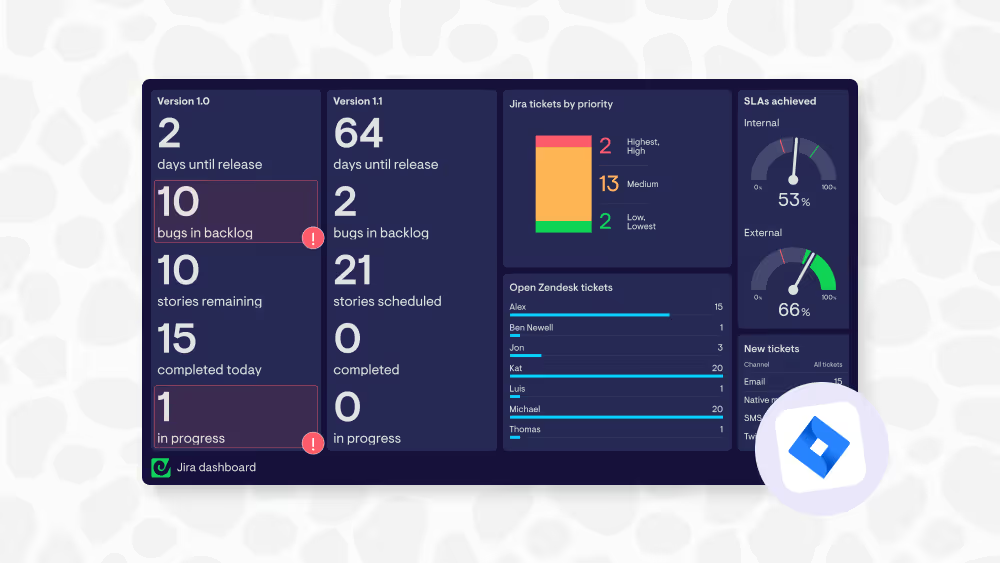
Jira, meanwhile, becomes a backbone. Its customizable dashboards, strict scheme configuration, permissions, role-based access, and support for complex workflows make it ideal for organizations that need structure. Large enterprises often run Jira across departments, linking everything from software development to operations to IT support.
This is why integrations matter—teams using Jira rarely operate in isolation. They connect systems, merge data, and orchestrate information across departments. (And yes, ClickUp works with Jira, and yes—Getint integrates them.)
Collaboration Tools, Knowledge Work, and Documentation
Collaboration is another area where philosophies diverge.
ClickUp leans into “one workspace for everything,” which includes docs, tasks, goals, and even basic CRM views. You can start writing immediately, linking documents to tasks with strong document management and document creation capabilities.
Jira traditionally relied on Confluence for documentation, keeping tasks and knowledge separate but integrated. For project managers, this creates a clear environment: Jira for planning and execution, Confluence for context and decisions.
Neither is right or wrong—it's a matter of how your team collaborates.
Pricing, Budget, and Scalability
Pricing often becomes a decisive factor for smaller companies.
ClickUp pricing is attractive, especially for teams on a tight budget who want a single workspace for many functions. It also offers unlimited users on lower-tier plans, which appeals to early-stage organizations.
Jira’s pricing scales with features and enterprise requirements. Large teams often need multiple Atlassian products, which adds cost—but usually pays off through governance, security, and feature depth.
This is the point where organizations choose between a generalist tool and a specialist one.
Integrations: How Teams Connect ClickUp and Jira
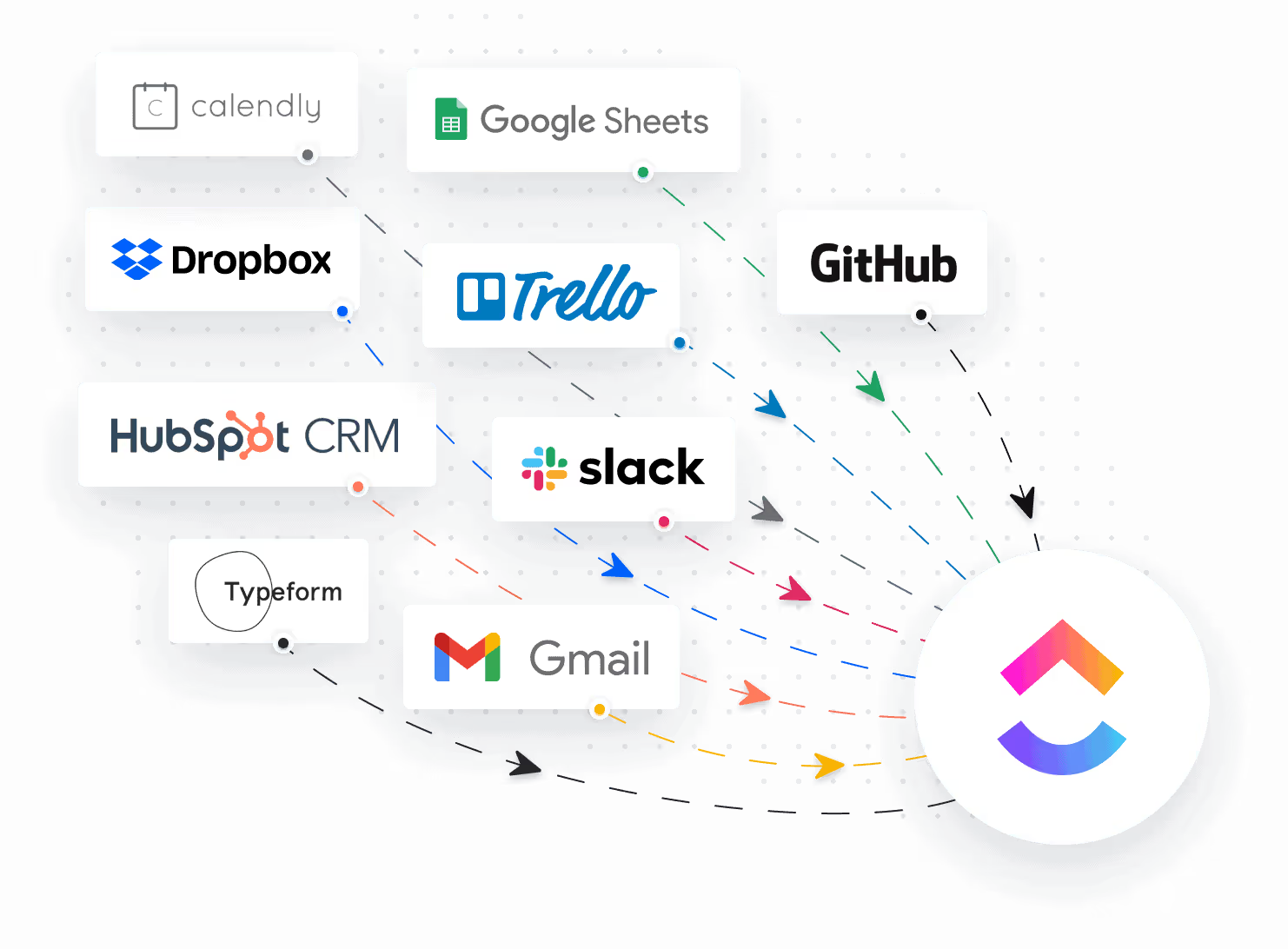
A common question: Does ClickUp work with Jira?
Yes—and that’s exactly where platforms like Getint play a role.
Teams often want to use the strengths of both worlds: designers and marketers in ClickUp, developers in Jira, leadership with full visibility across both. By syncing task management, comments, statuses, and more, teams can keep everyone aligned without forcing a single system on the entire company.
This is particularly helpful when different departments have different comfort levels, or when organizations need to combine flexible work with strict engineering discipline.

Which One Is Better: Jira or ClickUp?
Here’s the truth: neither tool is universally “better.” The winner depends entirely on your team.
Choose Jira if:
- you run software development teams that rely on sprints, releases, and engineering discipline
- you need advanced features, reporting, traceability, and clear governance
- you are managing complex projects across departments
- you require precise custom workflows that match organizational processes
Choose ClickUp if:
- you want a single, user friendly interface for varied teams
- you rely heavily on docs, visual layouts, goals, and fast setup
- your team mixes technical and non-technical roles
- you value flexibility over process formalization
Most companies don’t ask, “Which one is better?”
They ask, “Which one feels more like us?”

Final Thoughts: ClickUp vs Jira Is About Identity, Not Just Features
In the end, the Jira vs ClickUp conversation isn’t a battle—it’s a reflection of how your team works. Whether you choose a tool built for agile project management or one designed for broad collaboration, both can bring clarity, alignment, and progress.
But if you’re one of the many organizations that needs both to cooperate rather than compete, that’s exactly where Getint helps—connecting the two worlds so teams can choose the project management tool they prefer, without losing visibility or control.
Because the real goal is not choosing a tool.
It’s choosing a system where your team can do their best work—and keep moving forward together.