
Integrations for SaaS Platforms and Product Teams
SaaS companies rely on multiple systems to manage product development, customer support, and platform operations. Getint connects Jira, ServiceNow, Azure DevOps, Git platforms, and other enterprise tools to synchronize incidents, feature requests, and DevOps workflows securely across SaaS environments.
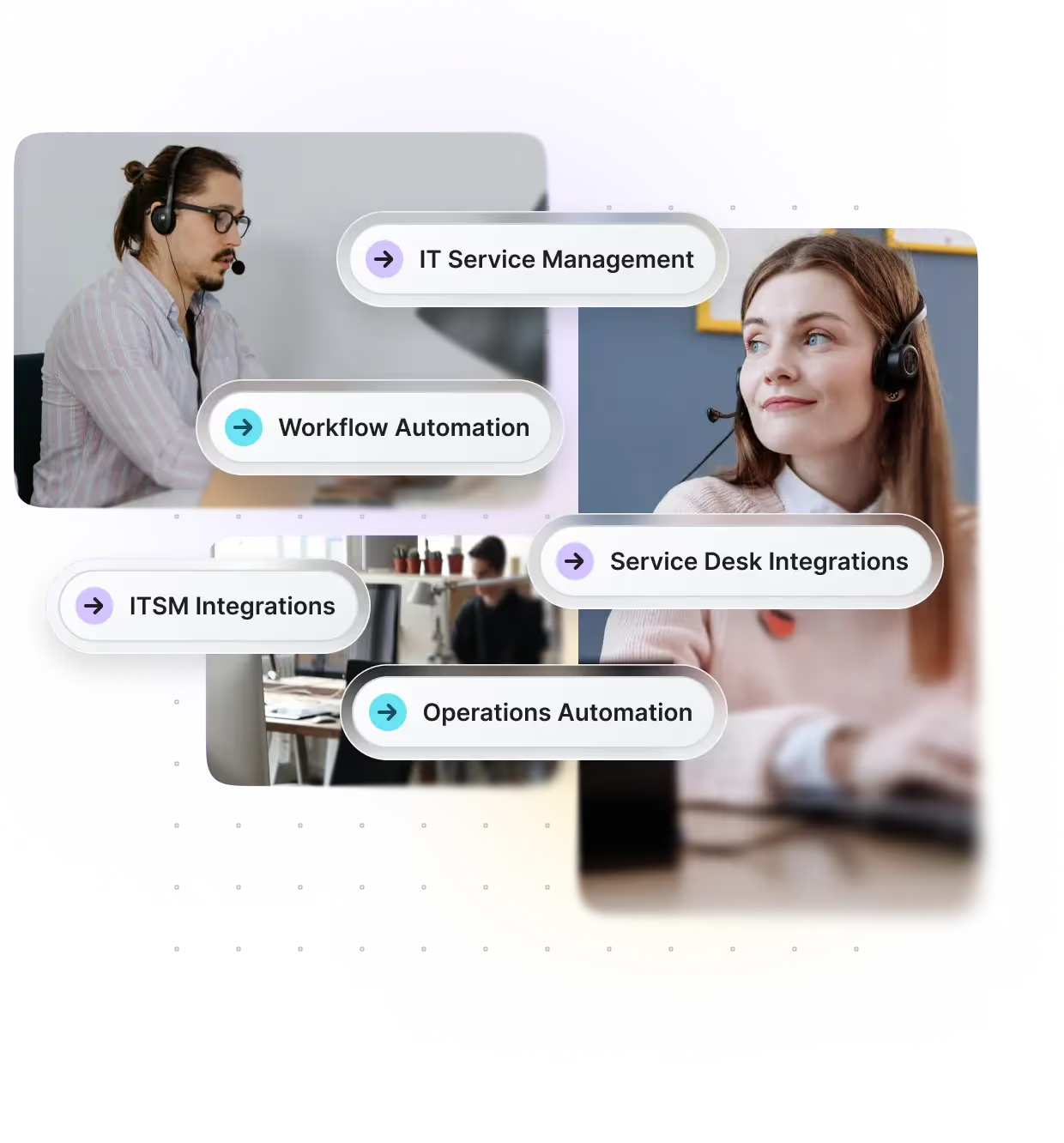
With Getint, you can
Schedule a free demo with our integration expert






One Integration Platform for SaaS Workflows
All with bi-directional sync, granular field mapping, repository visibility, cross-instance synchronization, and secure data handling — built for modern SaaS companies.
Built for Fast-Scaling SaaS Environments

- Connecting Jira with GitHub, GitLab, and Azure DevOps repositories
- Synchronizing customer support tickets with engineering workflows
- Maintaining traceability from code commit to production incident
- Supporting secure integrations during scaling and platform migrations

Deep, Bi-Directional Sync
Exchange tickets, comments, attachments, and custom fields in real time.
Cloud, Server, and Data Center Support
Connect hybrid or multi-instance environments – even across companies.
SLA Performance Boost
Faster resolution times, better response visibility, and fewer data silos.
Custom Workflow Mapping
Align the integration with your organization’s existing processes and fields.
Team-Friendly Configuration
No-code setup for business teams, plus advanced options for admins.
Enterprise-Grade Security
ISO 27001 & 27018 certified, SOC 2 Type II audited, and fully GDPR compliant.
SaaS teams use Getint to synchronize support tickets, engineering tasks, DevOps workflows, and incident management systems across Jira, Git platforms, and ITSM tools — enabling faster issue resolution, improved deployment coordination, and scalable collaboration across distributed product teams.
Connect Any SaaS System You Use










Schedule a Free Demo with our Integration Expert
Discover how seamless and efficient integrations can be with a personalized demo. Our expert will walk you through the process, tailor the session to your specific needs, and answer any questions you have about connecting your tools effectively.
See SaaS Integrations in Action





Have questions? We've got you!
Our comprehensive FAQ section addresses the most common inquiries about our integrations, setup process, pricing, and more - making it easy to find the answers you need quickly.
What are SaaS integrations?
SaaS integration is the process of connecting different SaaS applications so they can exchange data, automate workflows, and support core business processes without relying on manual data entry. Instead of operating as isolated tools, SaaS integrations create integrated systems that enable seamless data sharing across platforms.
Integrations for SaaS connect cloud-based software as a service applications such as customer relationship management systems, marketing automation platforms, accounting software, DevOps tools, and service management systems. A well-designed SaaS integration strategy helps eliminate data silos, improve data accuracy, and streamline business operations.
The benefits of SaaS integration include improved data synchronization, reduced repetitive tasks, and better visibility across multiple SaaS applications. By using the right integration platform, organizations can automate business processes and ensure consistent data flows between systems.
How is integration done in SaaS?
SaaS integration is typically done using APIs (application programming interfaces), prebuilt connectors, or middleware-based integration platforms. These integration methods allow SaaS applications to exchange data securely and automate processes across different systems.
There are three common approaches:
- Custom integrations using SaaS APIs
- Pre-built connectors provided by SaaS vendors
- Integration platform–based solutions that manage multiple SaaS application integration projects centrally
An effective SaaS integration strategy starts by identifying business needs, mapping data formats, and defining data transfer rules. API integration enables real time data synchronization or batch processing between SaaS apps, ensuring seamless integration across production environments.
Choosing the right integration platform is critical for managing integration projects at scale and maintaining integrations over time.
What is SaaS vs API?
Software as a service (SaaS) refers to cloud-based applications delivered over the internet, while an API (application programming interface) defines how different systems communicate and exchange data.
SaaS applications provide business functionality — such as CRM, marketing automation, accounting software, or project management — whereas SaaS APIs enable integration by allowing those systems to share data securely. API integration makes it possible to integrate SaaS applications and automate workflows between platforms.
For example, a SaaS API can allow two systems to share customer records in real time, enabling seamless data sharing across business systems. APIs are essential for SaaS integration because they define the rules for data exchange and ensure secure data sharing between platforms.
What is an example of an API integration in SaaS?
A common SaaS integration example is connecting a customer relationship management (CRM) system with accounting software. Through API integration, customer data, invoices, and order details can automatically synchronize between platforms without manual data entry.
Another example of SaaS application integration is linking a marketing automation platform with a support or engineering system. When a customer submits a request, the integration can automatically create a ticket in another SaaS application, improving workflow automation and eliminating data silos.
In DevOps environments, SaaS integrations can connect project management platforms with development tools. API integration enables real time data synchronization between tasks and code repositories, ensuring accurate data flows and improved collaboration across teams.
What are the benefits and challenges of SaaS integration?
The benefits of SaaS integration include:
- Eliminating data silos across multiple SaaS applications
- Reducing manual data entry and repetitive tasks
- Improving data quality and data accuracy
- Supporting enterprise automation and business process automation
- Enabling seamless data sharing across business systems
SaaS integration enhances business operations by allowing teams to share data across departments and automate processes efficiently.
However, SaaS integration challenges may include managing different data formats, ensuring data security, handling legacy systems, and requiring technical expertise for complex integration projects. Performance issues can also arise when synchronizing large volumes of data in real time.
Following SaaS integration best practices — such as defining a clear integration strategy, documenting workflows, testing integrations, and implementing monitoring — helps organizations build integrations that scale with evolving business needs.






