
HubSpot-Salesforce Integration - Keep Your CRM Data in Sync
Connect HubSpot and Salesforce with Getint's no-code integration. Sync contacts, companies, deals, and other supported CRM data in one or both directions — reducing manual updates and keeping sales and customer-facing teams aligned.

Sync
Hubspot
-
Salesforce
Simple, Seamless, Effective
Integration
This integration bridges two leading project management tools, empowering both internal and external teams to collaborate by merging data seamlessly across platforms.
to establish a robust integration that synchronizes data and maintains workflows efficiently.
Experience comprehensive integration as you sync issues, work items, bugs, and epics
while customizing with fields, attachments, statuses, and assignees.
Smoothly migrate between tools
without losing data, ensuring a successful migration.
Our Certifications



Partnerships





Seamless
Hubspot
-
Salesforce
Sync
2-way Sync
Maintain a single source of truth with automatic cross-platform updates.
SaaS / On-Premise
Choose cloud or on-premise deployment to meet compliance and security standards.
Advanced Filtering
Sync only the most relevant data, reducing clutter and complexity.
Auto Mapping
Reduce manual work with automated field mapping for a consistent data structure.
Reporting with Logs
Receive instant alerts to quickly identify and resolve integration issues.
Enterprise Security
Protect sensitive data and maintain compliance with enterprise-grade security.
Fair Pricing
We believe in offering a pricing model that prioritizes transparency, fairness, and value for our users. Our approach ensures that you only pay for what you truly need, without unnecessary extras or hidden surprises.
Pay just for one app
fixed fee you can trust—pay for a connection, no surprises.
No hidden costs
ensuring completely transparent, predictable pricing.
Unlimited usage
of fields and projects at no extra charge.
Fair migration cost
based on the number of events, not company size, ensuring fairness for all organizations.
Schedule a Free Demo with our Integration Expert
Discover how seamless and efficient integrations can be with a personalized demo. Our expert will walk you through the process, tailor the session to your specific needs, and answer any questions you have about connecting your tools effectively.

Sync HubSpot and Salesforce Contacts, Deals, and CRM Data
Getint supports the integration of all major fields.
What makes Getint your Go–To Integration Solution?
Seamless, secure, and scalable - Getint is trusted by enterprises worldwide to handle even the most complex integration needs. Whether you're syncing teams post-merger or streamlining your workflows across tools, we're here to make it easy.
Clear Pricing – No surprises!
Enterprise–Grade Security
Dedicated, In–House support!
Custom Integrations for any Challenge!
Quick Setup, Seamless Experience
Hear what our happy Clients
& Partners say
Our clients and partners are at the heart of everything we do. Their success stories and positive feedback speak volumes about the value and reliability of our integration solutions. Here's what they have to say:
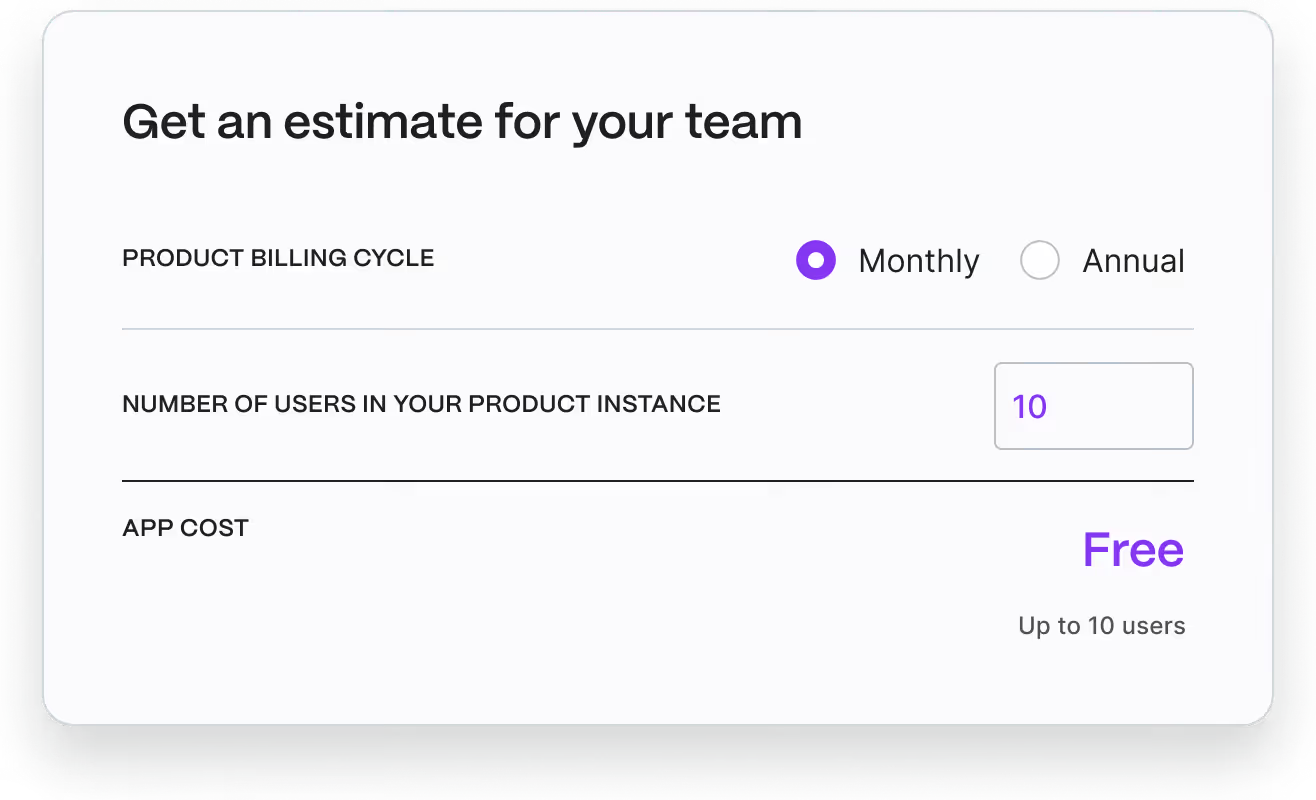
Check Pricing Tailored to Your Team
Finding the perfect plan for your team is easy! Our pricing is designed to fit organizations of all sizes and needs. Visit the Atlassian Marketplace to explore detailed pricing options and choose the plan that’s right for your workflow.
HubSpot — Salesforce Integration
Check out our comprehensive documentation and discover how to unify your issue tracking and development workflows, enhance team efficiency, and streamline your project delivery



HubSpot <-> Salesforce Migration
Planning to migrate data between HubSpot and Salesforce? Getint helps you transfer supported CRM records, mapped fields, and related information while maintaining data integrity and important customer context throughout the migration. Simplify the transition and reduce manual work for your sales teams.
Seamless
Hubspot
-
Salesforce
Sync
Every integration tells a story of improved workflows, enhanced collaboration, and organizational growth. Explore how businesses across industries have leveraged our solutions to overcome challenges, optimize processes, and achieve remarkable results.
Have questions?
We've got you!
Our comprehensive FAQ section addresses the most common inquiries about our integrations, setup process, pricing, and more - making it easy to find the answers you need quickly.
How to integrate HubSpot with Salesforce?
There are several ways to connect HubSpot with Salesforce, including the HubSpot Salesforce native integration, custom API development, and third-party integration tools such as Getint.
With Getint, the integration setup starts by connecting your HubSpot account and Salesforce account, selecting the records you want to synchronize, and configuring field mappings and sync rules. You can choose one-way or two-way sync, define filters, and test sample records before enabling the integration.
For organizations managing complex workflows, Getint provides additional control over data mapping and synchronization without requiring extensive custom development.
What data syncs are possible between HubSpot and Salesforce?
Getint supports synchronization of CRM data between HubSpot and Salesforce, depending on the available objects, fields, and integration settings.
Supported information may include:
- Contacts and leads: HubSpot contacts, Salesforce leads, Salesforce contact records, and relevant customer information.
- Companies and accounts: Supported company and Salesforce account details.
- Sales opportunities: HubSpot deals and corresponding Salesforce records where supported.
- Custom fields: HubSpot properties and mapped Salesforce fields.
- Sales-related information: Supported statuses, descriptions, and other record details.
For example, sales and marketing teams can use mapped lifecycle stage or lead status values to maintain consistent information across the two platforms. This helps improve lead management and reduces manual updates throughout the customer journey.
Advanced requirements involving custom objects, lead scoring, or specialized Salesforce data structures should be reviewed against the supported connector capabilities before configuration.
Can HubSpot and Salesforce integration synchronize data in both directions?
Yes. Getint supports one-way and two-way integration process between HubSpot and Salesforce, allowing mapped information to move from HubSpot to Salesforce, from Salesforce to HubSpot, or in both directions.
For example, when a sales rep updates a supported Salesforce contact field, the corresponding HubSpot record can receive that change. Similarly, updates to mapped HubSpot properties can synchronize with Salesforce according to the configured rules.
To ensure accuracy and reduce duplicate data, teams should define which system controls particular fields, review existing records, and test their integration settings before enabling synchronization.
Getint also provides logs and monitoring capabilities to help identify sync errors and troubleshoot data synchronization issues.
How does Salesforce HubSpot integration help sales and marketing teams?
Integrating HubSpot with Salesforce helps marketing and sales teams work with more consistent customer information throughout the sales process.
Marketing teams can manage campaigns, form submissions, and lead generation activities in HubSpot, while sales reps continue managing leads, contacts, and opportunities in Salesforce. Synchronizing relevant CRM data reduces the time-consuming process of transferring information between two systems.
A connected workflow can help teams:
- Improve lead management: Share qualified leads and relevant customer information between platforms.
- Support sales follow-ups: Give sales reps access to synchronized contact details and lead status updates.
- Reduce duplicate data entry: Minimize manual work and inconsistencies between CRM records.
- Improve customer visibility: Maintain relevant customer interactions and sales context across teams.
For businesses using HubSpot for marketing initiatives and Salesforce for sales operations, this integration can improve collaboration and help teams make informed decisions using more consistent data.
What is the difference between HubSpot Salesforce native integration and Getint?
The HubSpot Salesforce native integration is a built-in connector designed to synchronize supported CRM records between the two platforms. It can be suitable for organizations whose requirements fit the native integration's available objects, field mappings, and synchronization settings.
Getint offers an alternative integration method for organizations that need configurable workflows, advanced filtering, and additional control over how supported data moves between systems.
With Getint, businesses can configure field mappings, choose synchronization directions, and monitor integration activity. The platform also supports SaaS and On-Premises deployment options, which may be important for enterprises with specific infrastructure requirements.
When comparing integration methods, consider the supported objects, custom fields, duplicate record handling, API limits, ongoing monitoring, and any additional costs. The best approach depends on your existing CRM configuration and the complexity of your sales and marketing workflows.

Our Latest News & Updates
Stay ahead with insights, comparisons, and integration guides from the Getint team. Explore expert advice and practical how-tos to help your team simplify workflows and scale with confidence.